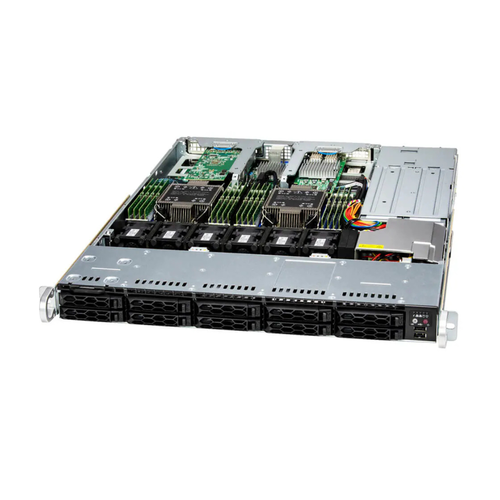
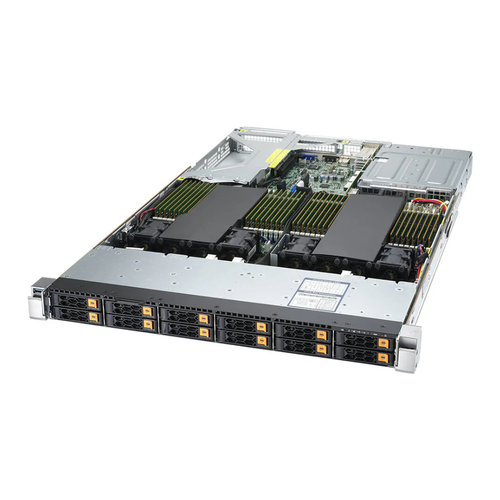
| Chassis |
| Form Factor | |
| Model | |
| Dimensions and Weight |
| Height | |
| Width | |
| Depth | |
| Package | - 7.99" (H) x 23.81" (W) x 37.4" (D)
|
| Weight | - Gross Weight: 41 lbs (18.6 kg)
- Net Weight: 18.7 lbs (8.5 kg)
|
| Available Color | |
| Front Panel |
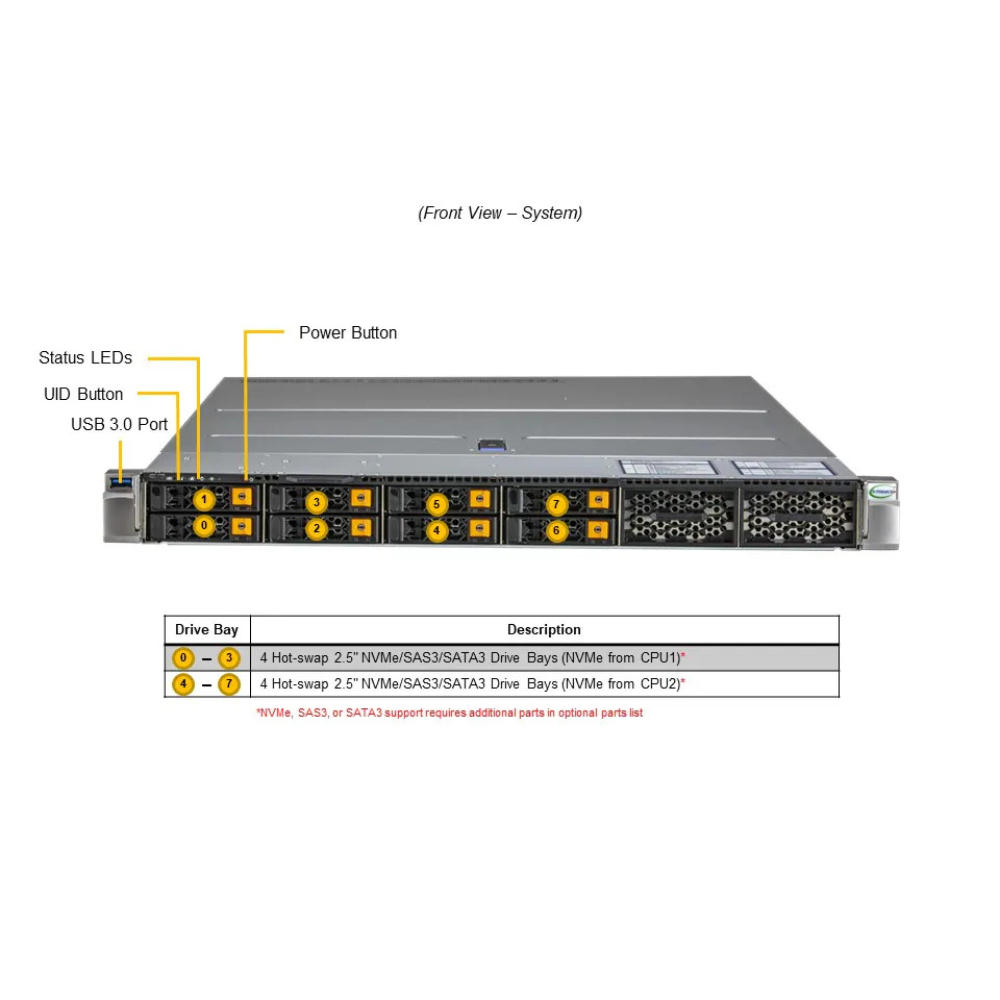
| Buttons | |
| LED | - HDD activity
- LAN1 activity
- Power
- System information
|
| Expansion Slots |
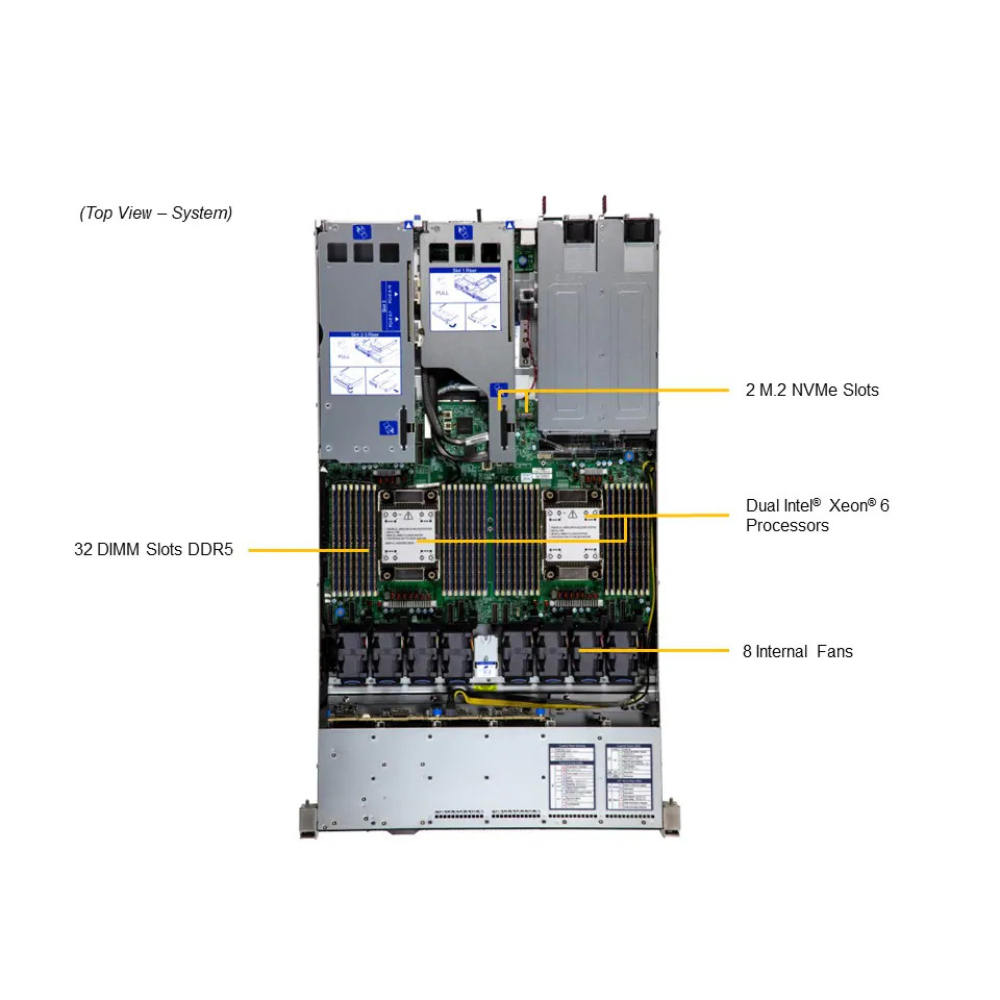
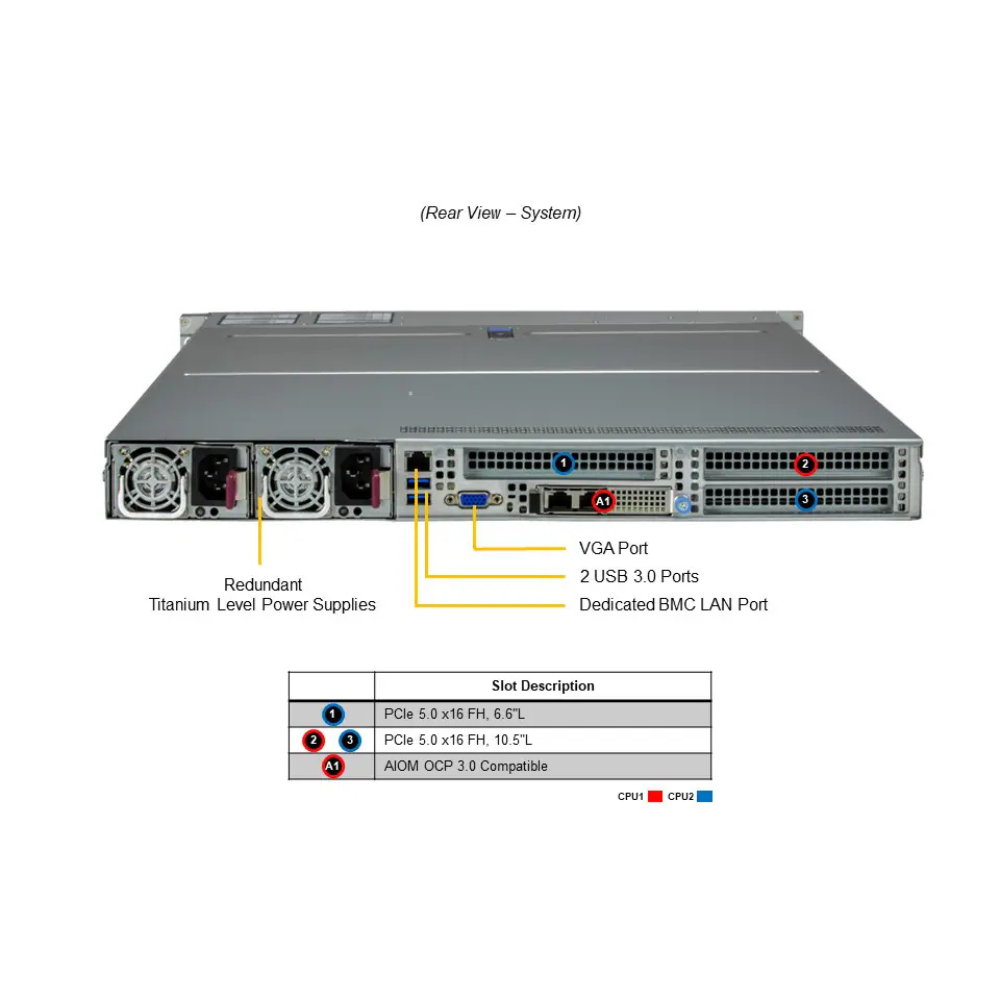
| PCI-Express (PCIe) Configuration | - Default
- 1 PCIe 5.0 x16 FHHL slot
- 2 PCIe 5.0 x16 FH/10.5"L slots
- 1 PCIe 5.0 x16 AIOM slot (OCP 3.0 compatible)
- View AOC Options
|
| Drive Bays / Storage |
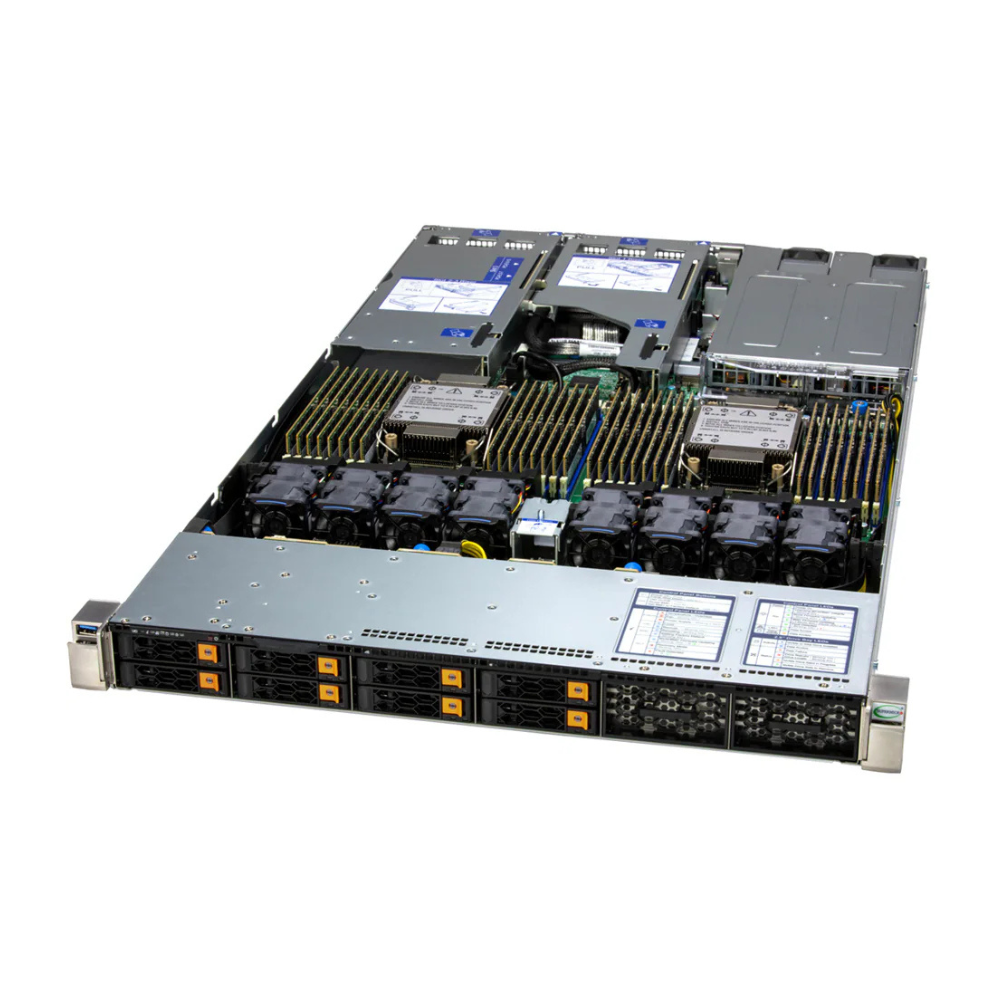
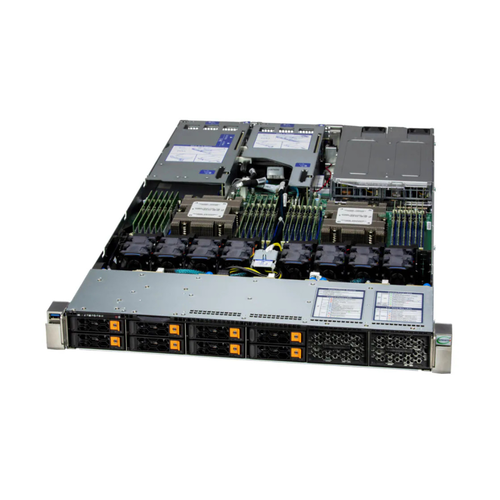
| Drive Bays Configuration | - Default: Total 8 bays
- 8 front hot-swap 2.5" NVMe*/SAS*/SATA* drive bays
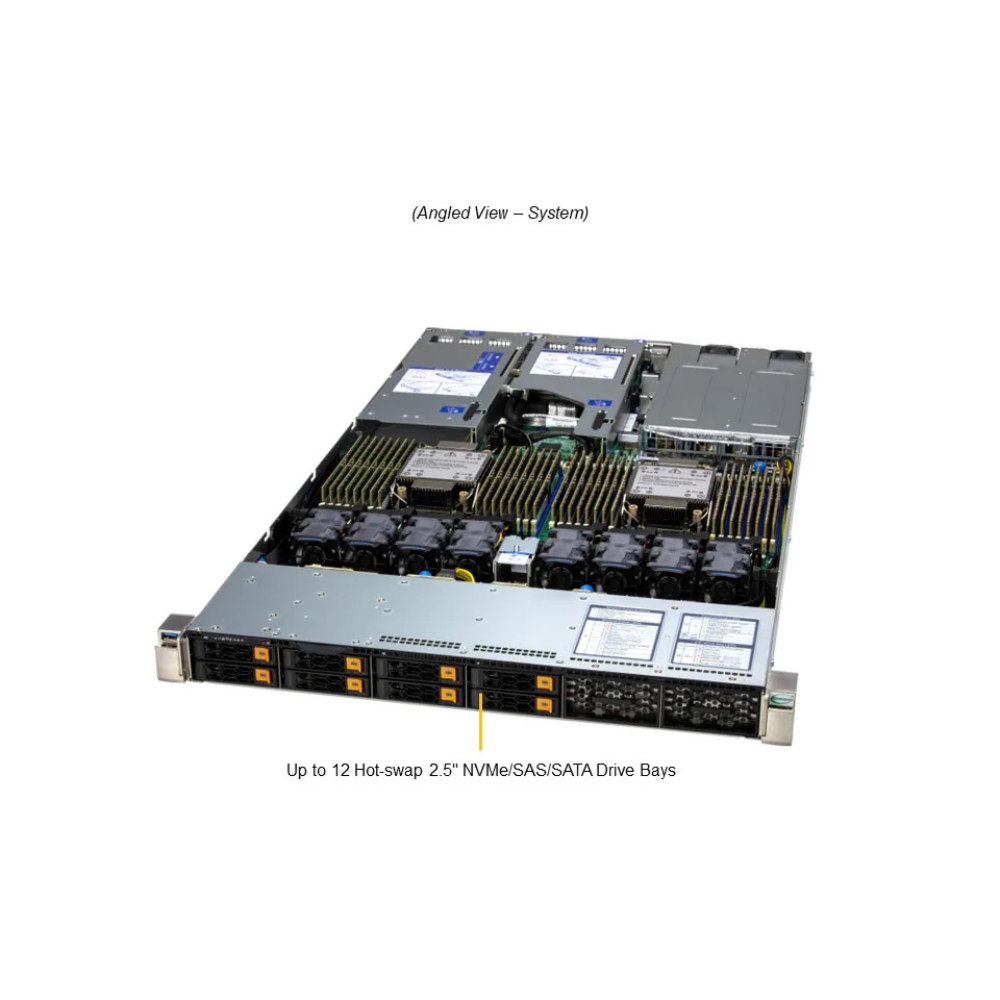
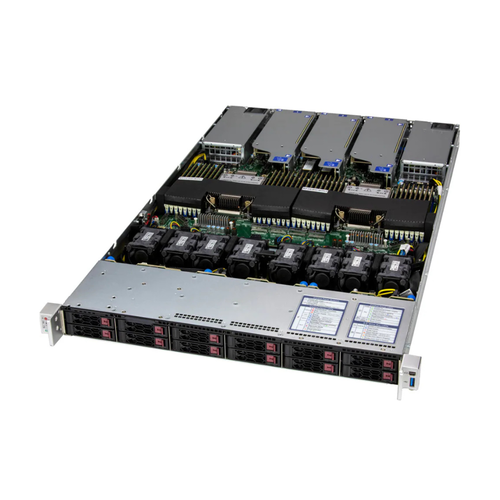
- Option A: Total 12 bays
- 12 front hot-swap 2.5" NVMe*/SAS*/SATA* drive bays
- (*NVMe/SAS/SATA support may require additional storage controller and/or cables, please see the optional parts list for details)
- View NVMe Options
|
| M.2 | |
| System Cooling |
| Fans | - Up to 8 counter-rotating 40x40x56mm Fan(s)
|
| Air Shroud | |
| Liquid Cooling | - Direct to Chip (D2C) Cold Plate (optional)
|
| Power Supply |
| | 2x 1200W Redundant (1 + 1) Titanium Level (96%) Hot-plug power supplies |
| Dimension (WxHxL) | 73.5 x 40 x 265 mm |
| Input | 800W: 100-127Vac
800W: 100-127Vac / 50-60Hz
1200W: 200-240Vac
1200W: 200-240Vac / 50-60Hz
1200W: 230-240Vdc / 50-60Hz (for CCC only) |
| +12V | Max: 66.7A / Min: 0A (100Vac-127Vac)
Max: 83A / Min: 0A (100Vac-127Vac)
Max: 100A / Min: 0A (200Vac-240Vac)
Max: 100A / Min: 0A (230Vdc-240Vdc) (for CCC only) |
| 12V SB | Max: 2.1A / Min: 0A |
| Output Type | Backplanes (gold finger) |
| | 2x 2000W Redundant (1 + 1) Titanium Level (96%) Hot-plug power supplies |
| Dimension (WxHxL) | 73.5 x 40 x 265 mm |
| Input | 100-127Vac
200-240Vac
1000W: 100-120Vac / 50-60Hz
1800W: 200-220Vac / 50-60Hz
1980W: 220-230Vac / 50-60Hz
2000W: 230-240Vdc
2000W: 230-240Vac / 50-60Hz
2000W: 200-240Vac / 50-60Hz (for UL/cUL only) |
| +12V | Max: 83.3A / Min: 0A (100Vac-127Vac)
Max: 83.3A / Min: 0A (100Vac-120Vac)
Max: 150A / Min: 0A (200Vac-220Vac)
Max: 165A / Min: 0A (220Vac-230Vac)
Max: 166.7A / Min: 0A (200Vac-240Vac) (for UL/cUL only)
Max: 166.7A / Min: 0A (200Vac-240Vac)
Max: 166.7A / Min: 0A (230Vac-240Vac) |
| 12V SB | Max: 2.1A / Min: 0A |
| Output Type | Backplanes (gold finger) |
| | 2x 1600W Redundant (1 + 1) Titanium Level (96%) Hot-plug power supplies |
| Dimension (WxHxL) | 73.5 x 40 x 265 mm |
| Input | 1000W: 100-127Vac
1000W: 100-127Vac / 50-60Hz
1600W: 200-240Vac
1600W: 200-240Vac / 50-60Hz
1600W: 200-240Vdc / 50-60Hz (for CQC only) |
| +12V | Max: 83.3A / Min: 0A (100Vac-127Vac)
Max: 133.3A / Min: 0A (200Vac-240Vac) |
| 12V SB | Max: 3.5A / Min: 0A
Max: 3.5A |
| Output Type | Backplanes (gold finger) |
| | 2x 2600W Redundant (1 + 1) Titanium Level (96%) Hot-plug power supplies |
| Dimension (WxHxL) | 73.5 x 40 x 265 mm |
| Input | 2600W: 200-240Vac
2600W: 200-240Vdc (For CQC Only)
2600W: 200-240Vac / 50-60Hz
2600W: 200-240Vdc / 50-60Hz (for CQC only) |
| +12V | Max: 216A / Min: 0A (11.4Vdc-12.6Vdc) (12V output)
Max: 216A / Min: 0A (200Vac-240Vac) |
| 12V SB | Max: 3.5A |
| Output Type | Backplanes (gold finger) |
| Operating Environment |
| Environmental Spec. | - Name: A2
- Operating Temperature: 10°C to 35°C (50°F to 95°F)
- Non-operating Temperature: -30°C to 60°C (-40°F to 140°F)
- Operating Relative Humidity: 8% to 80% (max 21° DP; non-condensing)
- Non-operating Relative Humidity: 8% to 90% (max 38° DP; non-condensing)
|
| Environmental / Recycling |
| Recycle | |